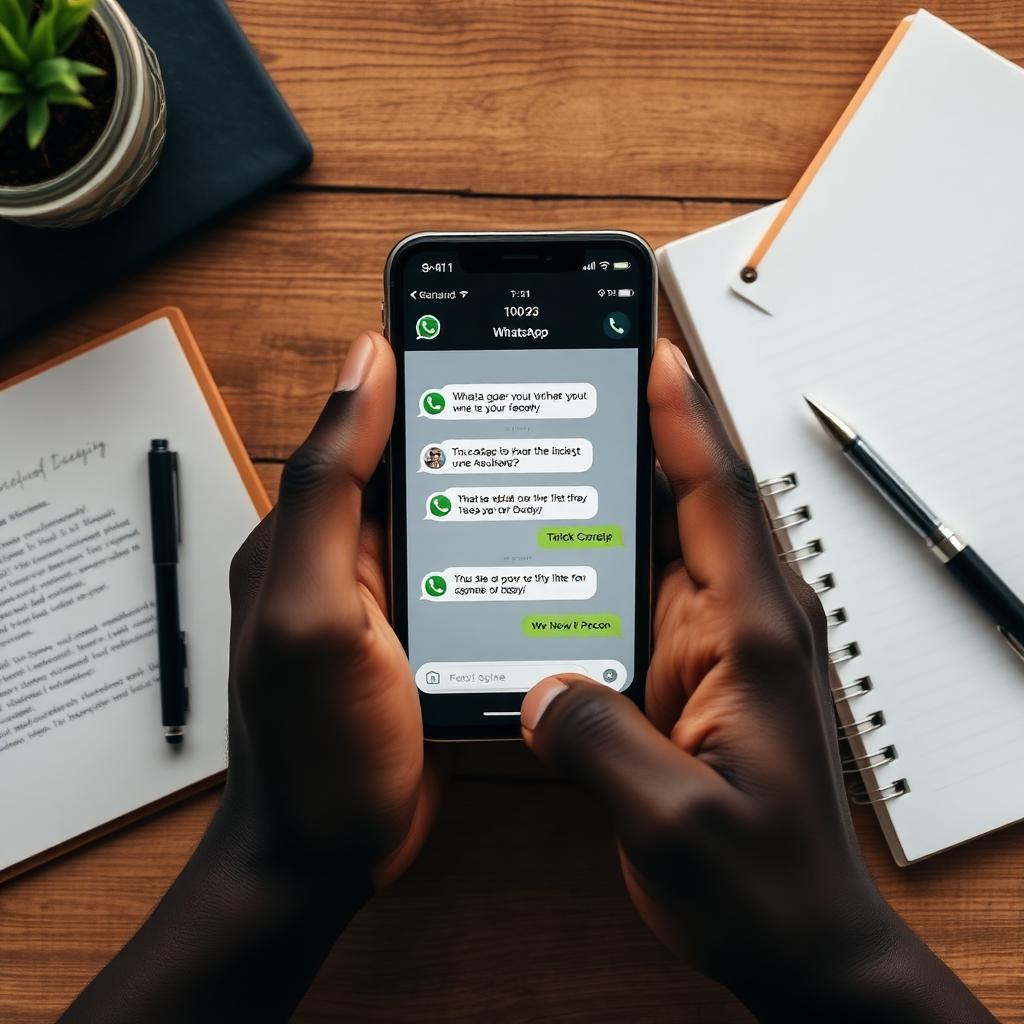
How to Sell on WhatsApp: A Step-by-Step Guide for Taking Orders and Payments in Chat
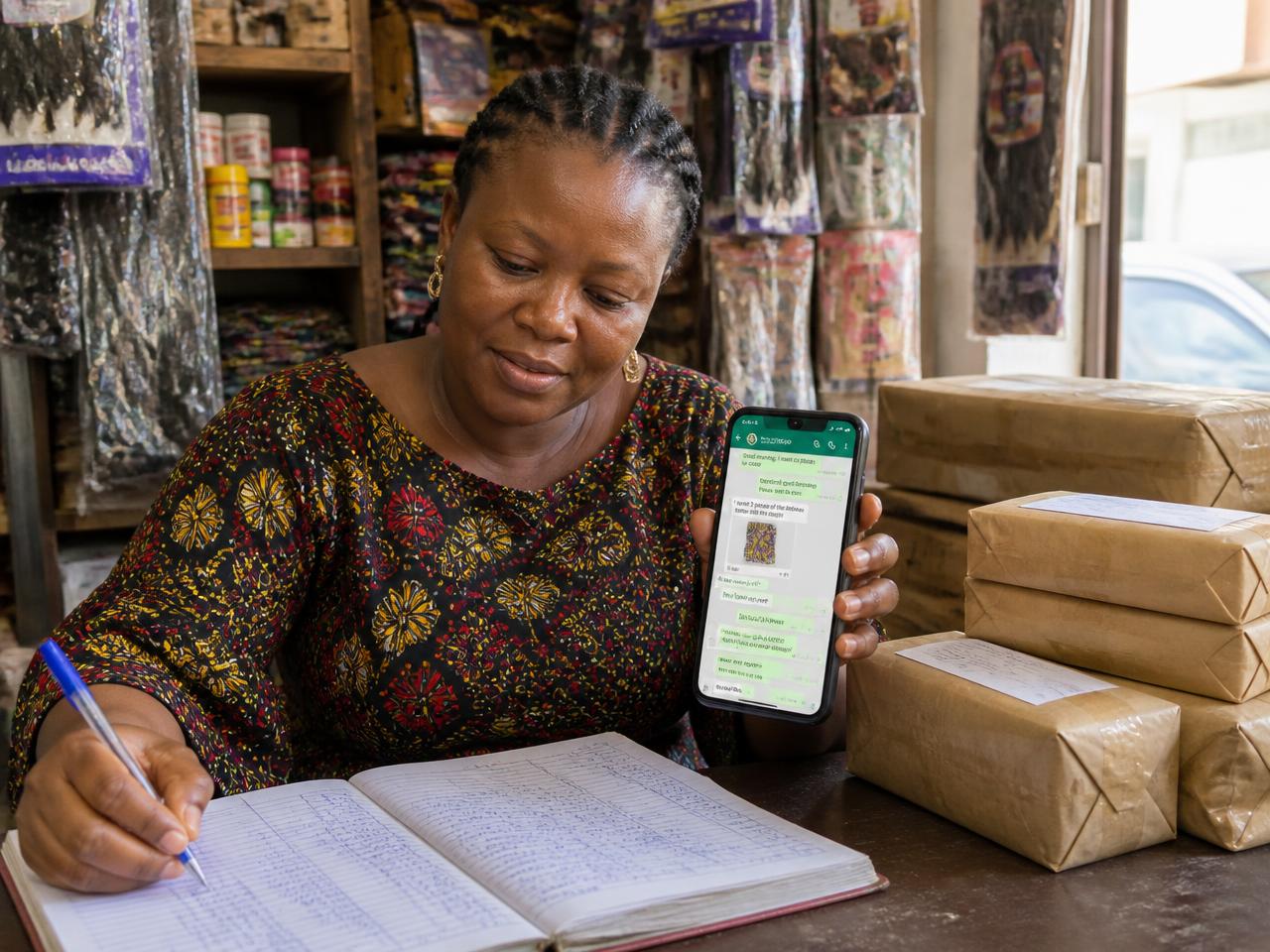
WhatsApp is no longer just a chat app in Nigeria. It is the checkout counter, sales desk, and customer service line for millions of businesses. From fashion retailers in Lagos to caterers in Abuja, auto dealers in Port Harcourt to real-estate agents in Ikeja, customers expect to ask, pay, and receive updates all inside one chat window.
If you are reading this, you are probably comparing options: Should you keep taking orders manually? Use the WhatsApp Business App? Or move to the WhatsApp Business API with a platform like Storefront? This guide walks you through the full workflow, then shows you which option fits your stage of business.
The three ways to sell on WhatsApp
Manual WhatsApp. You answer every message, copy account details, and track orders in a notebook or spreadsheet. It works at low volume, but it breaks quickly once you get more than 10 to 15 messages a day. The hidden cost is not just your time; it is the sales you lose while you are sleeping, driving, or busy with another customer.
WhatsApp Business App. The free app gives you a business profile, quick replies, labels, and a basic catalog. It is perfect for a one-person business that is just starting. But it still depends on you being online, payment is still manual, and it does not scale to multiple staff or AI automation.
WhatsApp Business API + Storefront. This is the upgrade for businesses that want to automate sales, accept card payments inside chat, send follow-ups, and hand the chat to a human only when needed. You keep the same WhatsApp number, but the backend handles quotes, orders, delivery tracking, and payment links.
Which one should you pick? If you handle fewer than five sales conversations a day, start with the WhatsApp Business App. If you are running ads, have more than 10 daily chats, sell higher-ticket products, or want to collect payment before delivery, the API route is the safer bet. Storefront offers a 14-day free trial with no technical setup required.
Step 1: Choose your WhatsApp sales channel
Pick the channel that matches your current volume. Do not over-engineer. A solo tailor who gets three messages a day does not need an API. A skincare brand running Instagram ads and getting 50 chats a day cannot survive on manual replies.
Step 2: Build your product or service catalog
Whether you sell products or services, every item needs a name, price, description, and a clear photo. Buyers rarely buy what they cannot see. In WhatsApp, your catalog is your shelf. If you use the WhatsApp Business App, you can build it inside the app. If you use Storefront, you upload products and services once, and the AI can quote them automatically in every chat. Storefront also supports WooCommerce and Shopify sync if you already have an online store.
Step 3: Set up payment collection
Nigerian buyers want options. The most common are bank transfer, card payment link, and pay on delivery. For low trust or first-time buyers, pay on delivery can help you close the sale. For repeat customers and higher-value orders, a card payment link is faster and protects your cash flow.
Storefront creates a Paystack payment link for each order automatically, so you do not need to copy account numbers or send screenshots. The customer clicks, pays with card or transfer, and the order is confirmed inside the chat. For services, you can collect a deposit or full payment the same way.
Step 4: Capture the order inside the chat
Every WhatsApp sale follows the same rhythm: the customer asks, you quote, they confirm, you send payment. The best businesses make this one smooth message. A good quote message says: the item, the price, the delivery timeline, and the payment link. For example: 'Hi, the bone-straight wig is ₦65,000. Delivery to Lagos Island is ₦2,500. Total: ₦67,500. Pay securely here.'
Storefront's AI sales agent does this automatically. It reads the product, checks availability, applies your brand tone, and sends the quote. The customer can tap the product to view it or tap the payment link to complete the order.
Step 5: Confirm payment and dispatch
Once payment is received, confirm immediately. Send a receipt summary, the expected delivery date, and the dispatch or pickup details. Speed builds trust. If you offer pay on delivery, confirm the order with the delivery address and phone number before sending it out.
With Storefront, the payment agent, dispatch agent, and tracking agent coordinate this. The customer receives confirmation, delivery updates, and a tracking prompt without you copying and pasting anything.
Step 6: Follow up and re-engage
The sale does not end at delivery. Send a thank-you message, ask for a review, and offer a related product. A customer who bought a bag may need a wallet. A customer who booked a facial may need a follow-up appointment.
Storefront's growth agent sends these follow-ups within WhatsApp's messaging window and tracks the results. For stalled chats, the follow-up engine recovers conversations that would otherwise be lost. We covered this in more detail in 5 Follow-Up Sequences That Recover Lost WhatsApp Sales.
Common mistakes to avoid
Replying with 'Hello, how can I help you?' instead of a direct answer. The customer already told you what they want.
Asking too many questions before payment. Location and delivery preference are usually enough.
No payment link. Every extra minute between quote and payment is a chance for the buyer to change their mind.
No follow-up. Most chats are not lost; they are forgotten.
Why most businesses choose Storefront for WhatsApp sales
Storefront combines the familiarity of WhatsApp with the infrastructure of a real sales platform: a shared team inbox, AI agents that reply and quote, automatic payment links, delivery tracking, and Storefront Protect escrow that holds funds until the customer confirms delivery. You do not need to be technical. You connect your WhatsApp number in one click and start selling the same day.
Start selling on WhatsApp today
If you want a complete sales system inside WhatsApp, start your 14-day free trial on Storefront. You can upload your products, connect WhatsApp, and collect your first payment without writing any code. For businesses already running Meta ads, pair this guide with the Click-to-WhatsApp playbook to turn every ad click into a paid order.