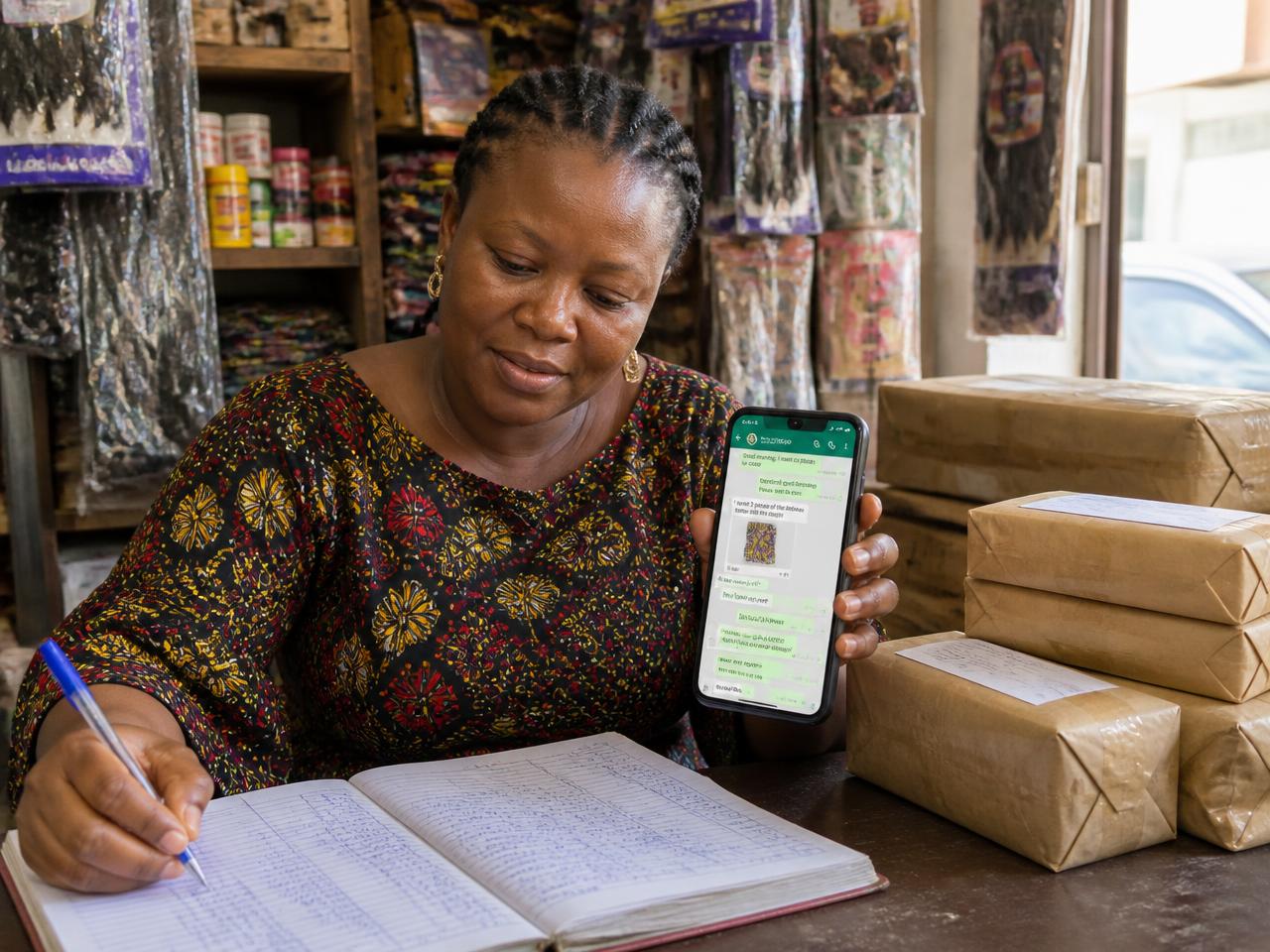
Install Storefront on Your Phone in 30 Seconds (No App Store Needed)
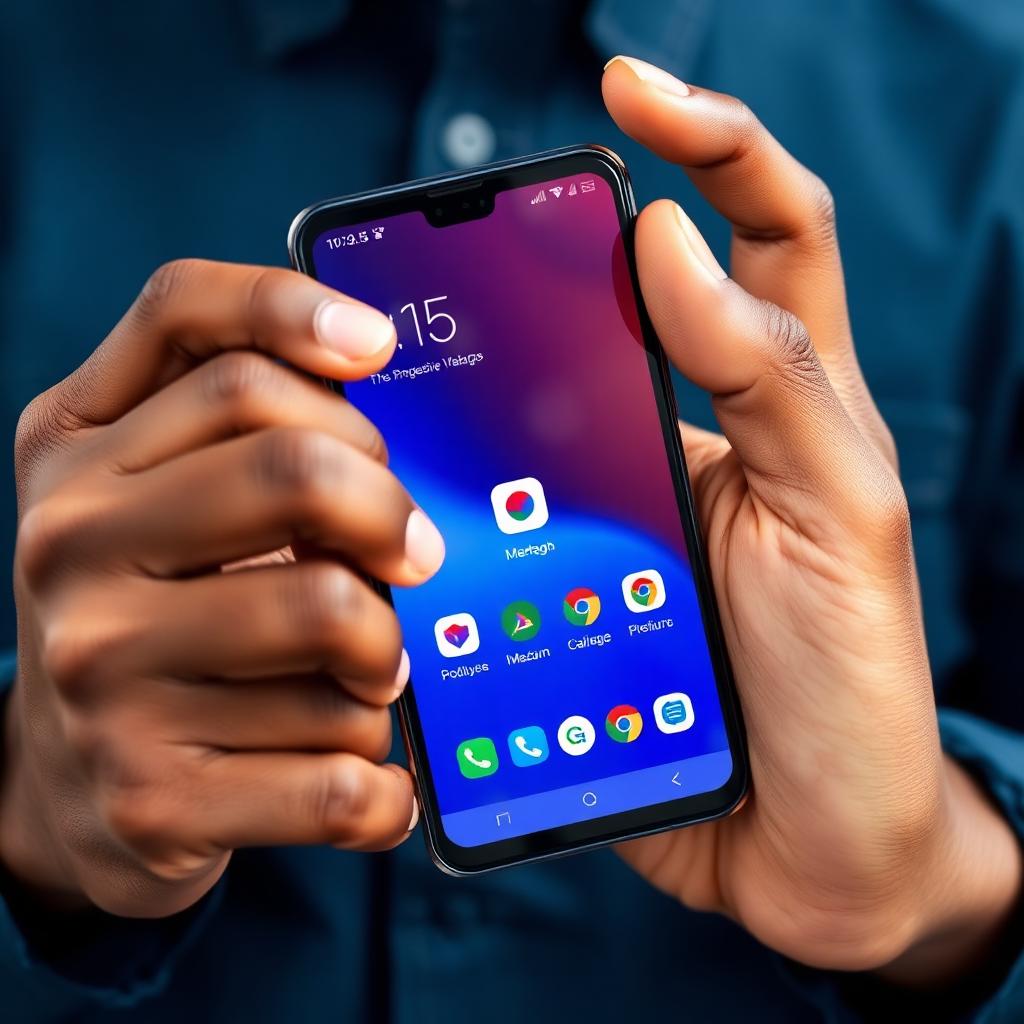
Storefront is a Progressive Web App (PWA) — you can install it directly from your browser and use it exactly like an app from the Play Store or App Store, minus the download queue and the storage bloat.
Whether you run your business from a Tecno, an iPhone, or a shared laptop, this guide gets you installed in under a minute.
Why install Storefront
Installing turns Storefront into a 1-tap icon on your home screen. No re-typing the URL. No searching Chrome tabs. Faster load times because the browser caches your dashboard shell. Notifications-ready (we'll roll out order alerts in a future release).
It's the same app you already use at trystorefront.app — just in a cleaner, distraction-free window.
Install on Android (Chrome, Samsung Internet, Edge)
1. Open trystorefront.app in Chrome. 2. Look for the 'Install App' button in the top navigation, or the install banner at the bottom of the screen. 3. Tap it, then tap Install in the prompt. That's it — the Storefront icon lands on your home screen next to WhatsApp.
If you don't see the button, tap Chrome's ⋮ menu and pick 'Install app' or 'Add to Home screen'.
Install on iPhone (Safari)
Apple doesn't allow one-tap install prompts, so it's a two-step tap: 1. Open trystorefront.app in Safari (not Chrome — Apple restricts install to Safari). 2. Tap the Share icon (square with an up-arrow) at the bottom of the screen. 3. Scroll and pick 'Add to Home Screen', then tap Add.
The Storefront icon now sits on your home screen. Tapping it launches a full-screen app view without the Safari address bar.
What you get after installing
The full Storefront dashboard — Orders, Products, WhatsApp inbox, Analytics, Wallet, everything. Faster launch. A cleaner window (no browser chrome). Same secure login — your session persists.
Troubleshooting
Don't see the Install button on Android? Refresh once. Chrome only offers install after you've engaged with the site for a few seconds.
Installed but want to uninstall? Long-press the icon on your home screen and choose Uninstall (Android) or Remove App (iOS).
Business phone shared across staff? Each staff account logs in separately after install — no data is stored locally beyond your session.
What's next
Now that you're installed, pair it with the essentials: connect your WhatsApp Business number, upload your first products, and read The Click-to-WhatsApp Playbook to start filling your inbox with paid orders.
Prefer to talk to a human first? Book a demo or ping our team from the chat bubble on the bottom right of any page.